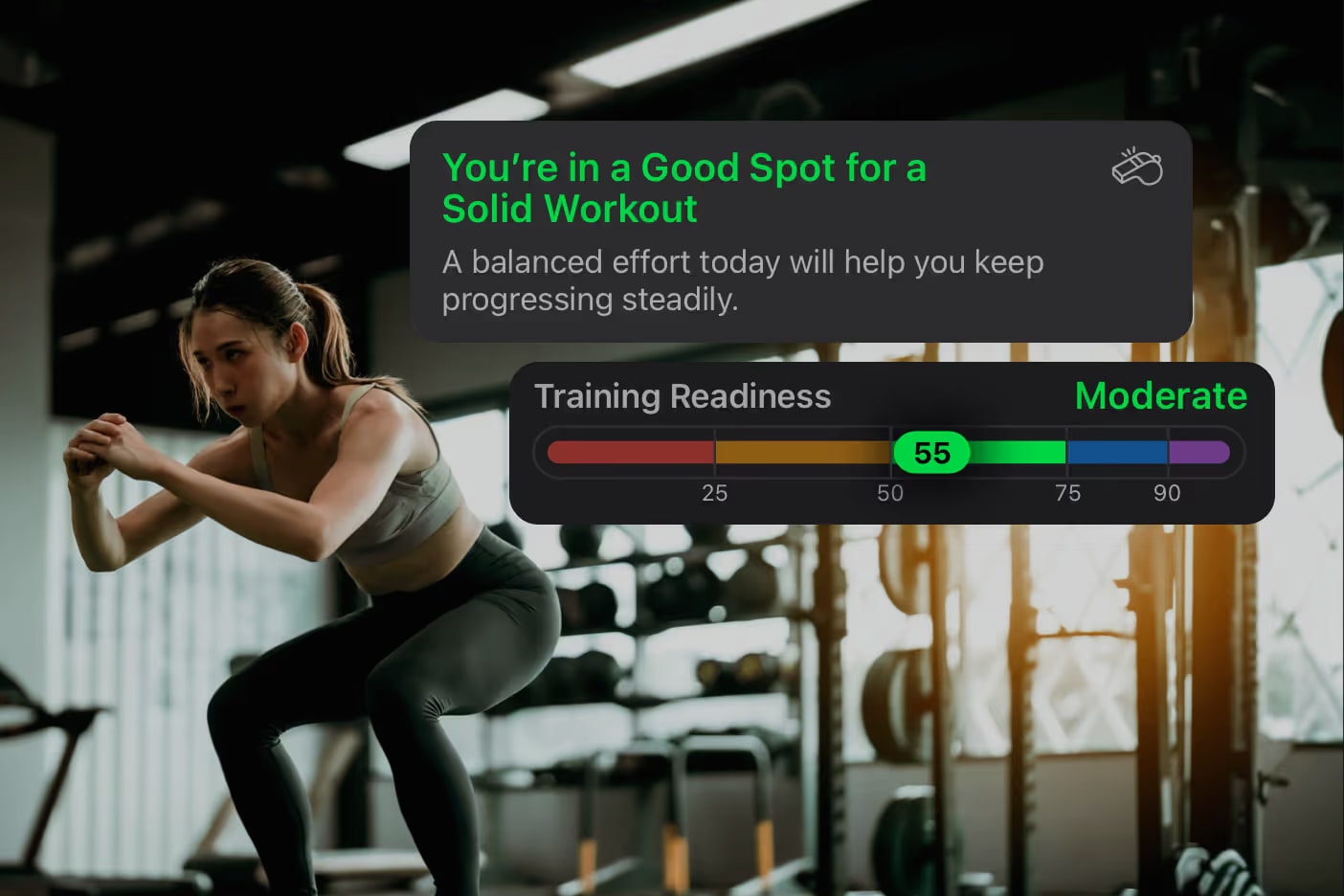
You wake up, open FITIV, and your readiness is low. Was it the short night? Last week's long run? Something else? That's the question FITIV's AI Coach answers. It reads your own sleep, recovery, strain, and training load, and tells you in plain language what's going on and what to do about it today.
What the Coach Tells You
Think of it as a coach who looked at your numbers before you did. On a low-readiness morning, it might point out that you slept less than usual and your training load jumped this week, and suggest an easy session or a rest day. On a strong morning, it'll tell you it's a good day to push.
It covers everything that shapes how you train: sleep and recovery, readiness and strain, Battery and stress, vitals like HRV and resting heart rate, your heart rate zones, and your workouts.
The coach doesn't replace your scores. It explains them, so you're never left staring at a number wondering what it means.
Pick a Coach That Fits You
Everyone responds to coaching differently, so you choose who's talking:
- Max — balanced and reliable, with clear guidance that keeps you consistent
- Ava — your hype partner, with high-energy encouragement to keep you moving
- Blake — no-nonsense, for when you want someone pushing you toward peak performance
Then choose how much you want to hear:
- Brief — one insight and one thing to do
- Standard — the insight, what to do, and why
- In-Depth — a full breakdown with several recommendations and a plan
You can switch coaches, change the detail level, or turn the coach off any time from the More tab.
What You Need
An iPhone that supports Apple Intelligence (iPhone 15 Pro or later) on iOS 26 or later, with Apple Intelligence turned on. One common snag: your iPhone language and your Apple Intelligence & Siri language need to match exactly (for example, both English – US). Once it's working, the coach can reply in whatever language you've set for FITIV.
The more complete your data, the better the coaching. Wearing your Apple Watch to bed makes the biggest difference, because that's where your sleep and recovery data come from.
Why It Helps
Elite athletes have a coach reading their numbers every day. Most of us train alone and have to make sense of HRV, sleep stages, and training load ourselves. The AI Coach gives you that daily read on your own data, so you spend less time decoding numbers and more time training well.
It gives you advice, not orders. It won't build a training plan from scratch, and you can always train the way you want.
Try this: tomorrow morning, before you look at your training plan, read what the coach says about your readiness. Then decide whether today is a push day or an easy day.
Frequently Asked Questions
Which iPhones support the FITIV AI Coach?
Any iPhone with Apple Intelligence (iPhone 15 Pro or later) running iOS 26 or later. If the coach doesn't show up on a supported iPhone, check that your iPhone language and your Apple Intelligence & Siri language are set to exactly the same language and region.
Where does the coach get its information?
From your FITIV data: your Sleep, Recovery, Training Readiness, Strain, Battery, and Stress scores, your vitals, your training load, and your workouts. The more complete that data is (wearing your Apple Watch to bed helps most), the more useful the coaching.
Can the coach recommend specific workouts?
It suggests how hard to train and what kind of session fits your day, based on your scores and history. To build a structured workout, use FITIV's workout builder, or snap a photo of a written routine and let Text and Image to Workout build it for you.
What if I disagree with the coach?
Train the way you want. The coach's advice is based on your latest data, so as your scores change, so does its guidance.