
You lose weight when you burn more calories than you eat over time. How many calories you burn each day is your total daily energy expenditure (TDEE): your basal metabolic rate (the energy your body uses at rest) plus everything you do on top of it. Once you have a rough idea of your TDEE, you can set a modest calorie deficit and adjust it based on how your weight actually changes.
Trendy diets come and go, but calorie counting has lasted because the idea underneath it is simple. Here's how the numbers work, where they go wrong, and how to use them without letting them run your life.
Does Calorie Counting Work for Weight Loss?
Yes, as long as you treat the numbers as estimates. Every successful diet, whatever it calls itself, works by helping you eat less energy than you burn. Counting calories just makes that visible.
The old rule of thumb is that a pound of body fat holds about 3,500 calories, so a 500-calorie daily deficit should take off about a pound a week. It's a useful starting point, but it overpredicts loss over months. As you get lighter, your body burns a little less, so the same deficit produces slower results over time. Researchers comparing the rule against carefully controlled diet studies found it consistently overestimates how much weight people actually lose (Thomas et al., 2013). Expect progress to slow down and plan to adjust. To see what a workout adds to your daily burn, try our calories burned by heart rate calculator.
You can create a deficit by eating less, moving more, or both. Combining the two usually works best: diet does most of the work on the deficit, and exercise helps you keep muscle, improves fitness, and makes the deficit easier to sustain. For more on which kind of exercise to pick, see strength training vs cardio for weight loss.
What Is BMR?
Your basal metabolic rate (BMR) is the energy your body uses just to stay alive at rest: breathing, circulating blood, keeping your organs running, and maintaining body temperature. For most people it's the largest part of daily calorie burn.
BMR depends mainly on your size, age, and sex:
- Bigger bodies burn more. More tissue takes more energy to maintain, so BMR rises with height and weight.
- Muscle costs more than fat. Lean tissue uses more energy at rest, though the difference per pound is smaller than many people think.
- BMR tends to decline with age, mostly later in life, partly because many people lose muscle as they get older.
What Is TDEE?
Your total daily energy expenditure (TDEE) is your BMR plus all the energy you use moving and digesting food. It has three main parts besides BMR:
| Component | What it covers | How much it varies |
|---|---|---|
| Digestion | Breaking down and absorbing food | Small and fairly steady |
| Everyday movement | Walking, chores, standing, fidgeting | Large: can differ by hundreds of calories between people |
| Exercise | Workouts and sports | Depends on how much and how hard you train |
Everyday movement is the part people underestimate. Taking the stairs, walking to errands, and standing more add up over a day, sometimes to as much as a short workout. Little changes can have a big effect on your TDEE.
How to Estimate Your Calorie Burn
There are two common ways to estimate it:
- An online calculator. Enter your height, weight, age, sex, and activity level. You'll get a BMR and a TDEE estimate. It's a reasonable starting point, but the activity-level setting is a guess.
- A fitness tracker. An Apple Watch estimates your resting and active calories through the day from its sensors and your profile.
Neither is exact.
The practical fix: use any estimate as your starting point, then check it against your weight. If your weight trend hasn't moved after two or three weeks at your planned deficit, your real TDEE is probably lower than the estimate, or you're eating more than you logged. Check your logging first, then trim your intake slightly or add activity.
How to Set a Calorie Deficit
- Start modest. A deficit of a few hundred calories a day is easier to sustain and helps you keep muscle. Larger deficits make hunger and fatigue harder to manage.
- Track your food honestly for a couple of weeks. Most people underestimate what they eat, especially oils, drinks, and snacks.
- Watch the trend, not the day. Daily weight swings with water, salt, and food. A 7-day average shows what's really happening.
- Keep protein up and keep lifting. Both help make sure the weight you lose is mostly fat.
If you have a medical condition, take medication that affects appetite or weight, or have a history of disordered eating, talk to your doctor before starting a calorie deficit.
How FITIV Helps You Track Calories
FITIV Pulse brings your calorie numbers together so the deficit is visible instead of guesswork:
- Workout calories. For workouts you record in FITIV, the Calorie Formula option in workout settings lets you choose Apple's estimate or FITIV's own formula, which uses your heart rate, weight, and age. The FITIV formula works with your Apple Watch or a Bluetooth heart rate monitor.
- Your energy balance. The Energy card compares the calories you burn (active plus resting, from Apple Health) with the calories you log in a food app that saves to Apple Health, and shows the difference as a deficit or surplus.
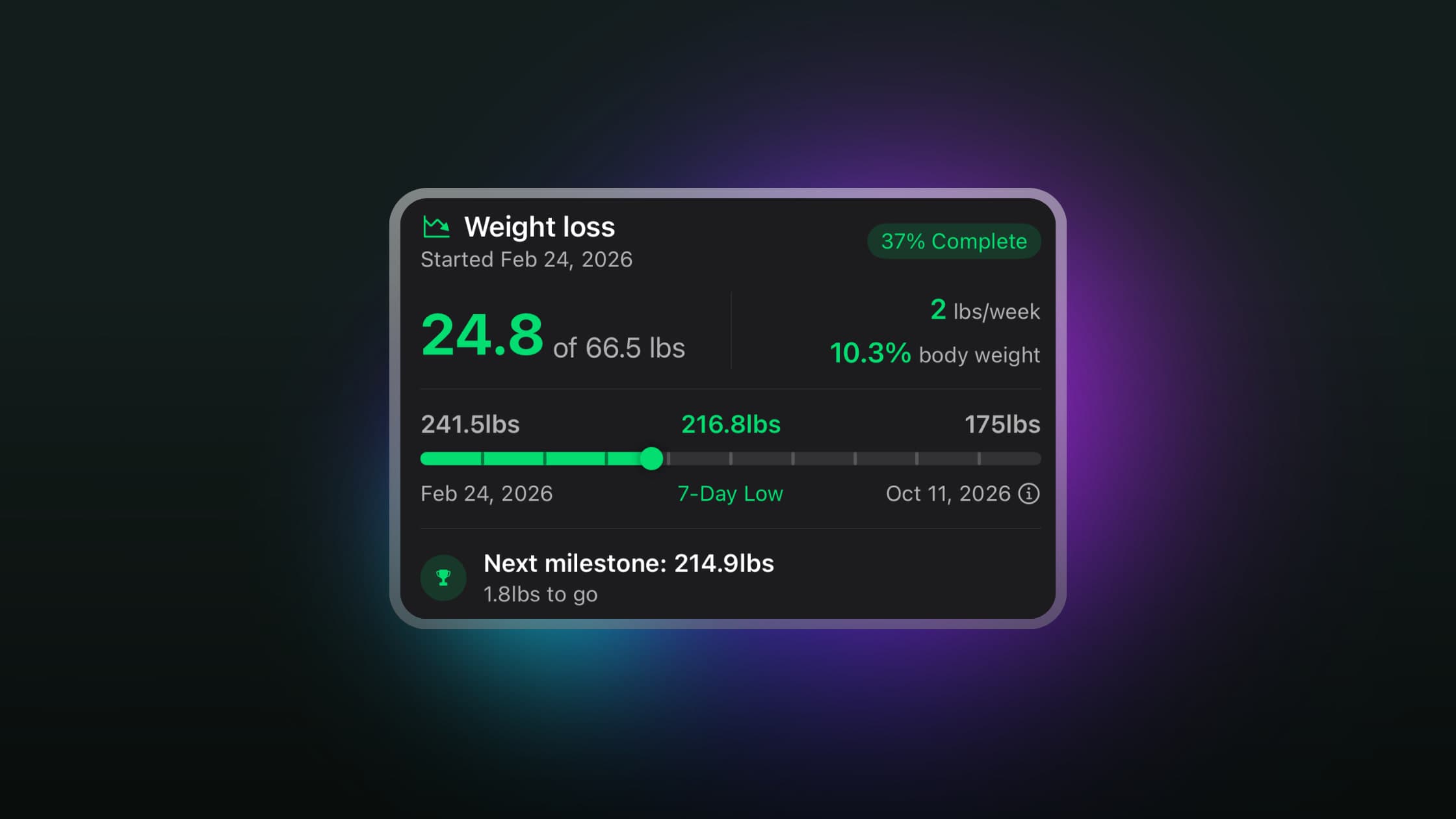
- Your weight trend. Weight Management lets you set a goal weight and weekly pace, then tracks your progress toward it, with a 7-day moving average trend line so you can see whether your deficit is working.
- How hard you trained. Heart rate zones show how intense each workout was, and Strain adds up your day's effort from heart rate, which helps you balance training with eating less.
Pair a food-logging app that saves to Apple Health with FITIV on your iPhone and Apple Watch, and you'll see both sides of the calorie equation in one place.