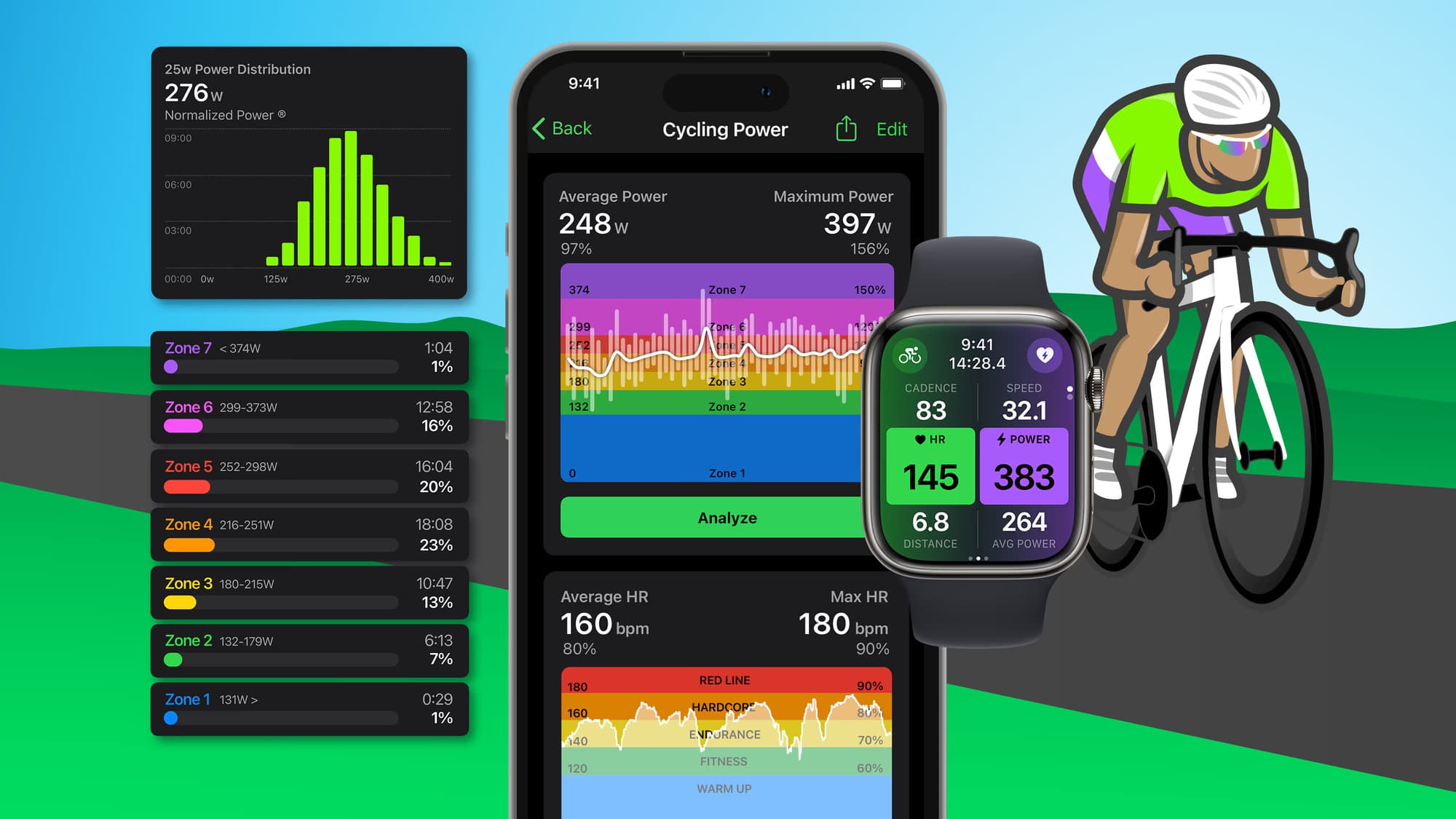
Tired of bulky bike computers cluttering your handlebars? FITIV Pulse offers an elegant solution by converting your Apple Watch into a capable cycling computer — eliminating the need for additional devices while leveraging technology you already own.
Why Use Your Apple Watch as a Bike Computer?
Why carry separate gear when your wrist already has powerful tracking capabilities? FITIV Pulse streamlines the cycling experience by transforming your smartwatch into a sleek, efficient tracking device.
The combination gives you professional-grade cycling data without the extra cost, installation, or hassle of a dedicated head unit.
What You Can Track
FITIV Pulse enables seamless monitoring of essential cycling metrics as you ride:
- Speed — current and average pace
- Distance — total and segment distance
- Heart rate — live zone display via Apple Watch or connected Bluetooth HR monitor
- Power — if paired with an external Bluetooth power meter
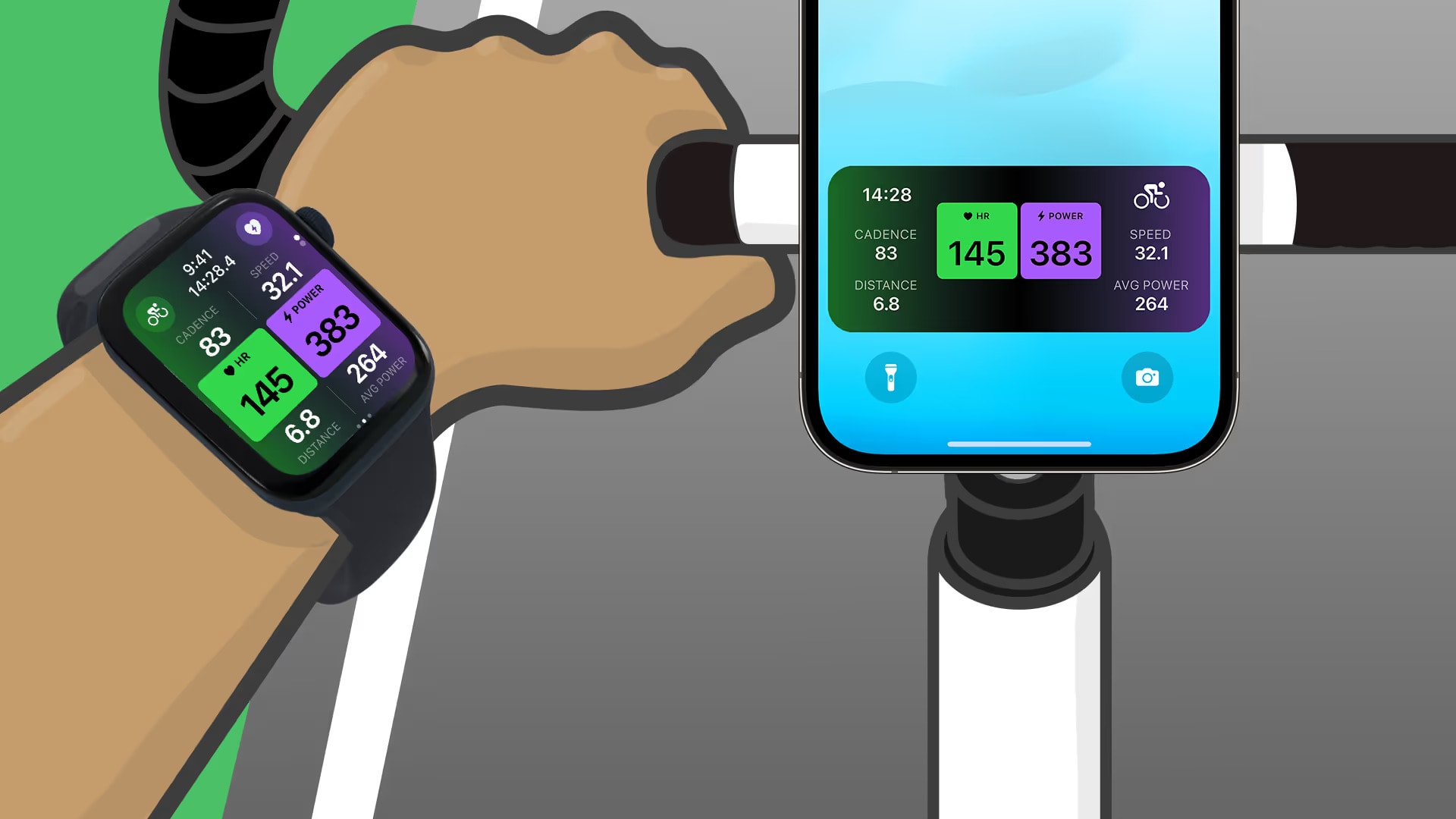
All metrics stream from your Apple Watch to your iPhone simultaneously, delivering a complete real-time dashboard from your wrist.
How to Set It Up
- Download FITIV Pulse from the App Store
- Open the app on your iPhone and Apple Watch
- Start a Cycling workout from the workout selector
- Mount your iPhone on your handlebar for a heads-up display, or glance at your Apple Watch during the ride
For power data, connect a Bluetooth power meter through Apple Watch Bluetooth settings under Health Devices before starting your ride.
Getting Started
Ready to simplify your cycling setup? Get FITIV Pulse and start your first ride with a complete real-time data dashboard — no extra hardware required.