If your Apple Watch logged a 45-minute walk but your Exercise ring only moved 12 minutes, nothing is broken. Apple counts a minute toward the Exercise ring only when your movement reaches at least the intensity of a brisk walk. Easy strolls, walks where your arm doesn't swing, and slow stretches of a longer walk often fall below that line.
Here's how Apple decides what counts, the fixes that actually help, and how to see the effort your rings miss.
How the Exercise Ring Counts Minutes
The green Exercise ring shows how many minutes of brisk activity you've done. In Apple's words, every full minute of movement that equals or exceeds the intensity of a brisk walk counts toward your daily Exercise and Move goals.
Outside a workout, Apple says the watch relies on your arm motion, measured by its accelerometer, and it uses your cardio fitness level to decide what's brisk for you. That's why two walks of the same length can earn very different credit:
- A relaxed pace may never reach what counts as brisk for your fitness level.
- A still wrist (pushing a stroller, holding a leash, carrying groceries) hides the arm swing the watch uses to recognize walking.
- Stop-and-go walks lose credit for the minutes you spend waiting at crossings or window shopping.
So the gap between your walk's length and your Exercise minutes usually reflects how much of it was brisk, not a tracking error.
How to Get Credit for Your Walks
Let your arm swing
Apple's own advice is to let the arm wearing your watch swing naturally. If one hand is busy, keep the leash, coffee, or phone in the other one.
Start a workout when your hands are full
If you need both hands, for example to push a stroller, Apple recommends starting an Outdoor Walk in the Workout app. During a workout the watch can use the accelerometer, the heart rate sensor, and GPS together, so it doesn't depend on arm swing alone.
Pick up the pace for part of the walk
You don't have to power-walk the whole time. Adding a few brisk stretches, or a route with some hills, lifts your effort into the range that counts. If you want walking to work as real aerobic training, see whether walking counts as cardio.
Add a workout you forgot to track
If you didn't wear your watch, you can add the workout by hand: in the Health app, tap Browse, then Activity, then Workouts, and tap Add. Apple says you need to enter the start and end time to earn Exercise credit.
Set a goal that fits your training
The default Exercise goal is 30 minutes, but you can change it. In the Activity app on your watch, scroll to a ring and tap Change Goals to set a goal for today or a different goal for each day of the week. If you're sick, injured, or taking a planned break, Pause Rings keeps your streak intact for up to 90 days.
When Workouts Show Up but Your Rings Don't Move
If a workout appears in Apple Health but your rings didn't update, one common cause is data source priority. When several apps or devices record the same kind of data, Apple Health uses the source at the top of the list. You can change the order in the Health app: open the data type, tap Data Sources & Access, tap Edit, and drag the app you want to use higher.
For FITIV workouts, our support article on Activity rings not updating walks through the exact steps.
See the Effort Your Rings Miss with FITIV
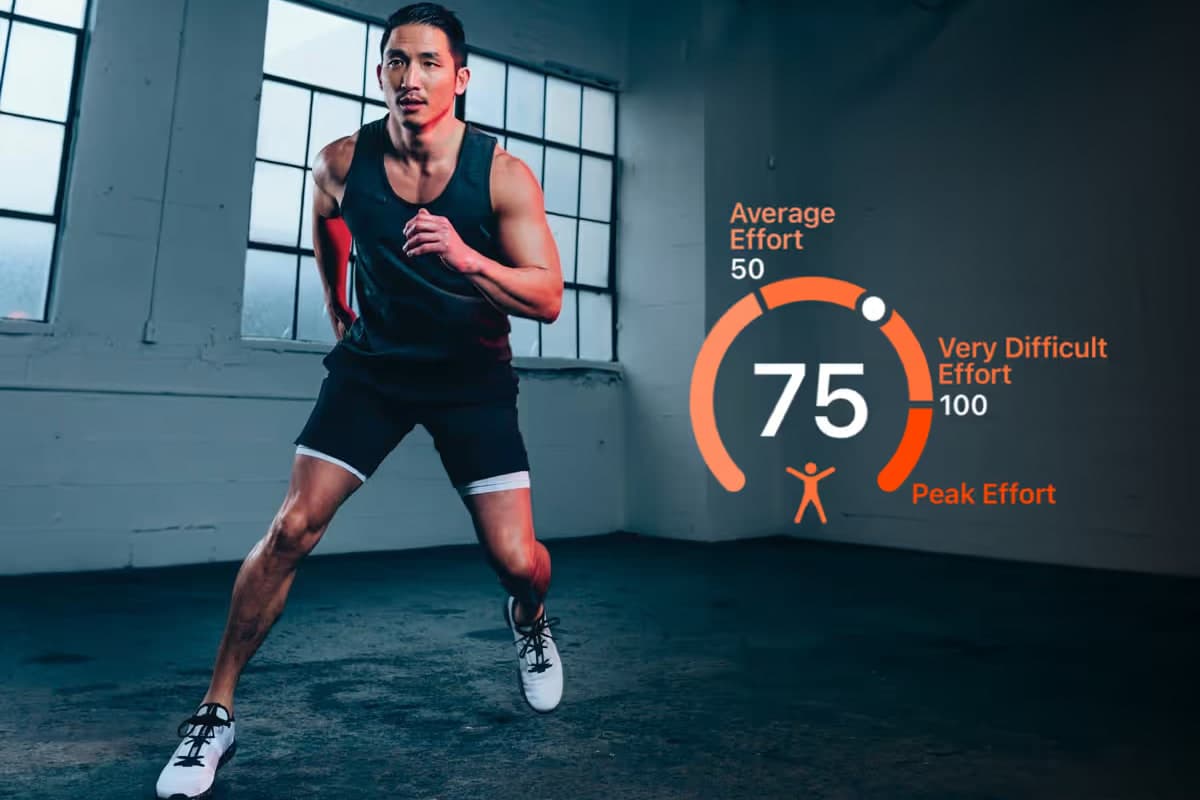
The Exercise ring answers one question: how many minutes were brisk? It doesn't tell you how hard your body actually worked. FITIV Pulse tracks your walks by heart rate, so slower or interrupted walks still count where it matters.
- Your rings, in context. FITIV shows your Apple Activity rings, including Exercise minutes against your goal, in the Activity Rings card on the Strain screen, next to your heart rate for the day.
- Heart rate zones on every walk. You see your live zone during the walk and your time in each zone afterward, so you know when an easy walk was easy and when it became aerobic training. Learn more about heart rate zones.
- Training load and Strain. Every workout with heart rate counts toward your daily Strain and your training load, whether or not it filled a ring.
- Your choice of activity type. Every FITIV workout saves to Apple Health with an Activity Type you choose. To change it for future workouts, open the Workout tab on your iPhone, tap the ⋯ button on the workout, and pick a new Activity Type on the Edit Workout screen. Pick the type that best matches what you're doing, as Apple recommends: it's how Apple Health labels the workout, and Apple still decides which minutes count toward Exercise.
FITIV records Apple Watch workouts through Apple's own workout session, so they use the same sensors as the Workout app. See how FITIV works on your wrist on the Apple Watch page.
Frequently Asked Questions
Why does my Apple Watch give me fewer Exercise minutes than my workout lasted?
Apple only counts minutes that reach at least the intensity of a brisk walk. Warm-ups, rest breaks, and slow stretches below that level don't count, so the Exercise total is often shorter than the workout itself.
Do slow walks count toward the Exercise ring?
Only the minutes at brisk-walk intensity or higher. A relaxed stroll may earn little or no Exercise credit, even though it still counts toward your steps and your Move ring's active calories.
Can I add Exercise minutes manually?
Yes, by adding a workout in the Health app. Tap Browse, then Activity, then Workouts, tap Add, and enter the workout details, including the start and end time, which Apple requires for Exercise credit.
Do FITIV workouts count toward my Activity rings?
Workouts you record with FITIV on your Apple Watch use Apple's workout session, so the watch credits your rings the way it does for any workout. If a FITIV workout shows up in Apple Health but your rings don't change, check the data source order in the Health app.