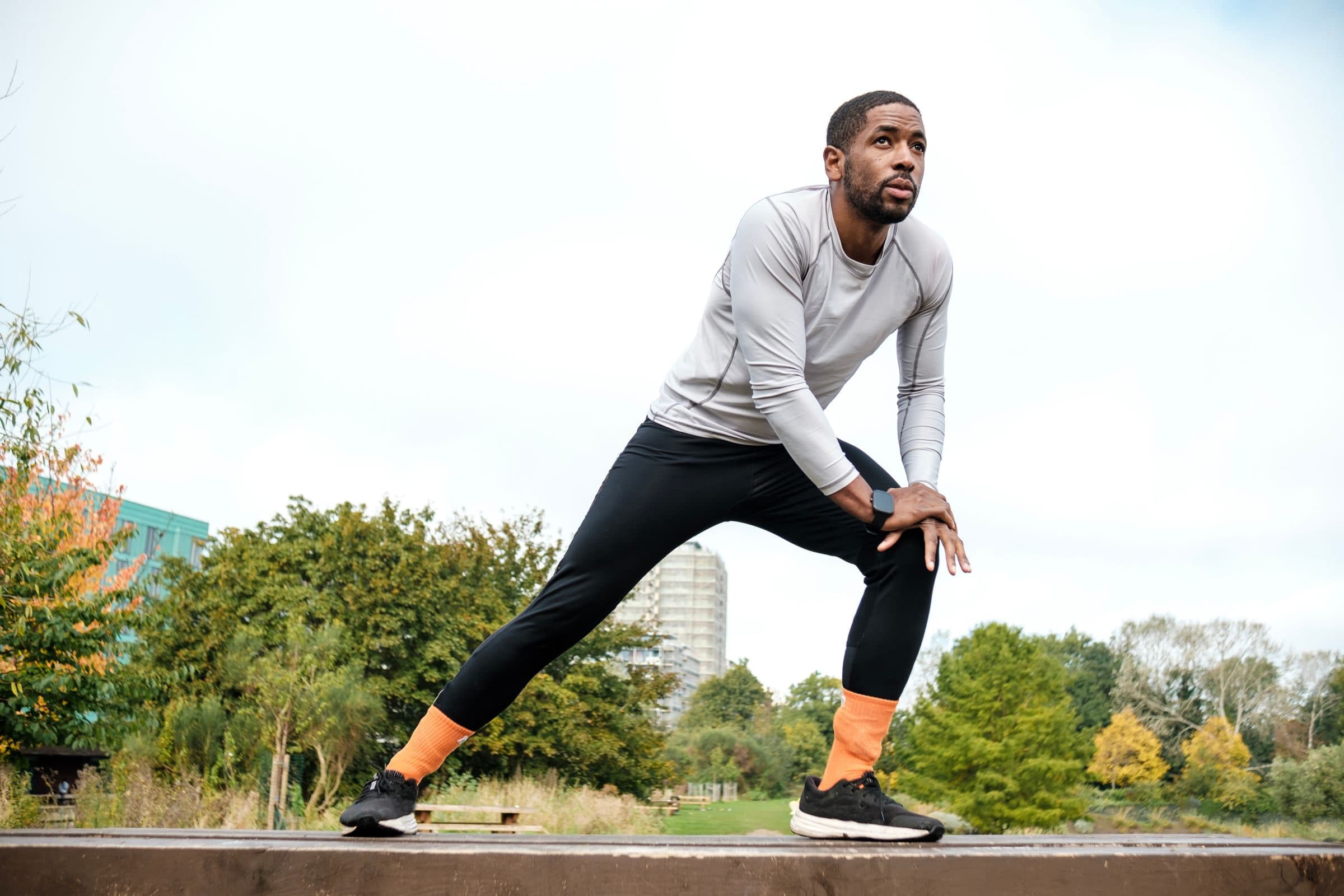
Voice Coaching is FITIV Pulse's spoken workout feedback: it reads your numbers out loud while you train, so you don't have to look at a screen. You pick the stats, such as heart rate, heart rate zone, pace, distance, duration, or calories, and when you hear them: on a timer, at set distances, or whenever your heart rate zone changes.
Why Voice Feedback Helps During Workouts
Most workout data is easy to read after the session and hard to read during it. Glancing at your wrist mid-run breaks your stride. Checking your phone on a bike is unsafe. In the gym, your phone is in a pocket or across the room.
With spoken cues, you hear the number when it matters and keep your eyes on the road, the trail, or the bar. That pays off most in heart rate training, where hearing that you've drifted out of your target zone keeps easy days easy and hard days hard (how zones work in FITIV). When a long hill on your easy run pushes you into Zone 3, you hear the zone change and can back off.
On steady runs, a pace update every mile or kilometer helps you hold an even effort instead of going out too fast. In intervals, a cue for each segment lets you focus on the work instead of the clock. On long sessions, an occasional time or distance update keeps you oriented without constant checking.
How Voice Coaching Works
You set up Voice Coaching in three parts: what triggers an announcement, which stats are spoken, and which device does the talking.
Choosing Your Triggers
Triggers decide when FITIV speaks. You can turn on any combination:
| Trigger | Options |
|---|---|
| Duration | Every 1, 5, 10, or 30 minutes |
| Distance | Every 0.1, 0.25, 0.5, 1, 2, 5, or 10 km or miles |
| Heart Rate Zone | On Change, or None |
Distance follows your app's unit setting, and it only applies to workouts that record distance, like an outdoor run or ride. With Heart Rate Zone set to On Change, FITIV announces your heart rate zone when it changes.
Choosing Your Spoken Metrics
Each time a duration or distance trigger fires, FITIV reads the stats you've ticked. The options cover most of what a workout records:
- Heart Rate: current, average, maximum, and current zone
- Pace and Speed: current, average, best or maximum, and last lap
- Distance, Duration, and Elevation (total, gain, and loss)
- Calories: active and total
- Cadence and Steps, including last lap
- Power: current, average, and maximum
- Running form: stride length, vertical oscillation, and ground contact time, for running workouts
- METs and FITIV Points
Keep it to two or three stats per announcement. That's easy to take in mid-effort. A long list of numbers every minute is hard to follow.
Choosing Where You Hear It
Voice Coaching has separate switches for workouts you start on your iPhone and workouts you start on your Apple Watch: turn on iPhone Workout, Apple Watch Workout, or both. For Apple Watch workouts, you can choose whether the voice plays on your watch, your phone, or both (hearing it on your phone uses Stream to iPhone). iPhone workouts get live heart rate from a Bluetooth heart rate monitor or heart rate earbuds (Bluetooth HR monitors).
On your iPhone, cues play through whatever audio you're connected to, including Bluetooth headphones such as AirPods. While FITIV speaks, your music or podcast gets quieter, then returns to normal volume. You can set the voice volume anywhere from 0% to 100%.
Heart Rate Alerts
Separate from the regular updates, Heart Rate Alerts warn you when your effort goes outside your limits. You set a High Heart Rate and a Low Heart Rate as an intensity percentage, and FITIV shows the matching beats per minute. If your heart rate goes above the high limit or below the low limit, you get a spoken message or a notification.
High alerts are a simple guardrail for recovery runs and Zone 2 sessions, where the most common mistake is drifting harder than planned. Low alerts help on harder efforts, when you want to know if you've eased off. To pick your limits, the Zone 2 training guide shows how to find your easy-day range.
Voice Cues in Interval Workouts
Workouts you build in the Workout Builder get their own spoken cues. At the start of each segment, FITIV announces the segment and its target, for example how long it lasts or the heart rate range to aim for. On timed segments, a "5 Seconds" warning tells you the next one is coming. When the routine ends, you hear "Great Work! Interval Routine Finished".
Each interval can also have alerts for a heart rate, pace, or speed range. FITIV tells you when you're above, below, or back within the target range, so you can adjust without looking down. Interval alerts need Voice Coaching turned on, and each Workout Builder workout can have its own voice settings, separate from your defaults.
Other Spoken Cues
A few announcements happen on their own. FITIV tells you when a workout is paused, resumed, and complete, and when you finish, it reads your spoken metrics as a quick summary. In strength workouts, it says "Rest time is over" when your rest timer ends.
On Apple Watch, you can also turn on Heart Rate Zone Change Haptics for a tap on the wrist when your zone changes, a quiet option when you don't want audio.
Setting Up Voice Coaching for Different Workouts
Some starting points for different sessions:
| Workout | Triggers | Spoken metrics |
|---|---|---|
| Easy or Zone 2 run | Heart Rate Zone on change, plus every 1 km or mile | Current heart rate, average pace |
| Tempo or race-pace run | Every 1 km or mile | Current pace, last lap pace |
| Indoor cycling | Every 5 minutes | Current heart rate, duration |
| Long walk or hike | Every 10 or 30 minutes | Distance, duration, elevation gain |
| Intervals | Set in the Workout Builder workout | Segment cues and range alerts |
Start simple, then adjust after a few sessions. If the cues feel like noise, space them out or cut a metric. If you keep checking your watch anyway, add the number you keep looking for.
Frequently Asked Questions
Does Voice Coaching work with AirPods and other headphones?
Yes. When Voice Coaching plays on your iPhone, it comes through Bluetooth headphones like AirPods and lowers your music or podcast while it speaks, then brings the volume back up.
Can I hear Voice Coaching from my Apple Watch without my iPhone?
Yes. For workouts started on Apple Watch, you can choose to hear Voice Coaching on the watch, the phone, or both.
Can I use different voice cues for running and cycling?
Yes. Voice Coaching lets you customize triggers and spoken metrics for each workout type, so a run can announce pace every mile while a ride reports heart rate every five minutes. Each Workout Builder workout can also have its own voice settings.
Can I change the voice or how fast it speaks?
You can adjust the voice volume from 0% to 100%. The voice and speaking speed are fixed.
Does Voice Coaching work for strength training?
Yes, with time and heart rate based cues, such as heart rate every few minutes or a zone change. Distance and pace cues need a workout that records distance. In strength workouts, FITIV also tells you when your rest timer is over.